
Google Docs · Word · Pages
Professional resume templates, made simple.
Clear, ATS-friendly templates you can edit right in Google Docs — so you can apply feeling confident about what recruiters see.
Browse the collection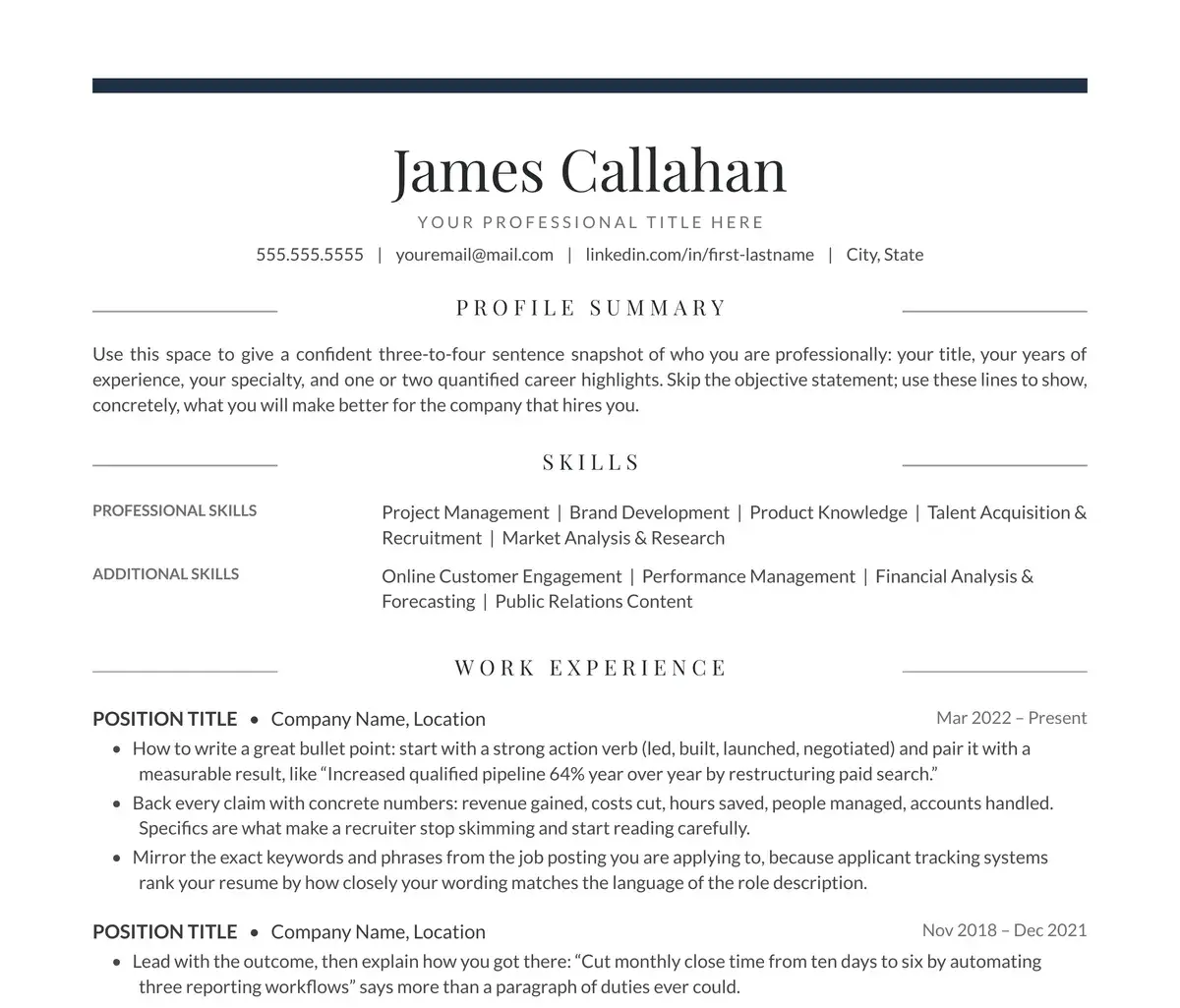
The collection
Resume templates for Google Docs, Word & Pages
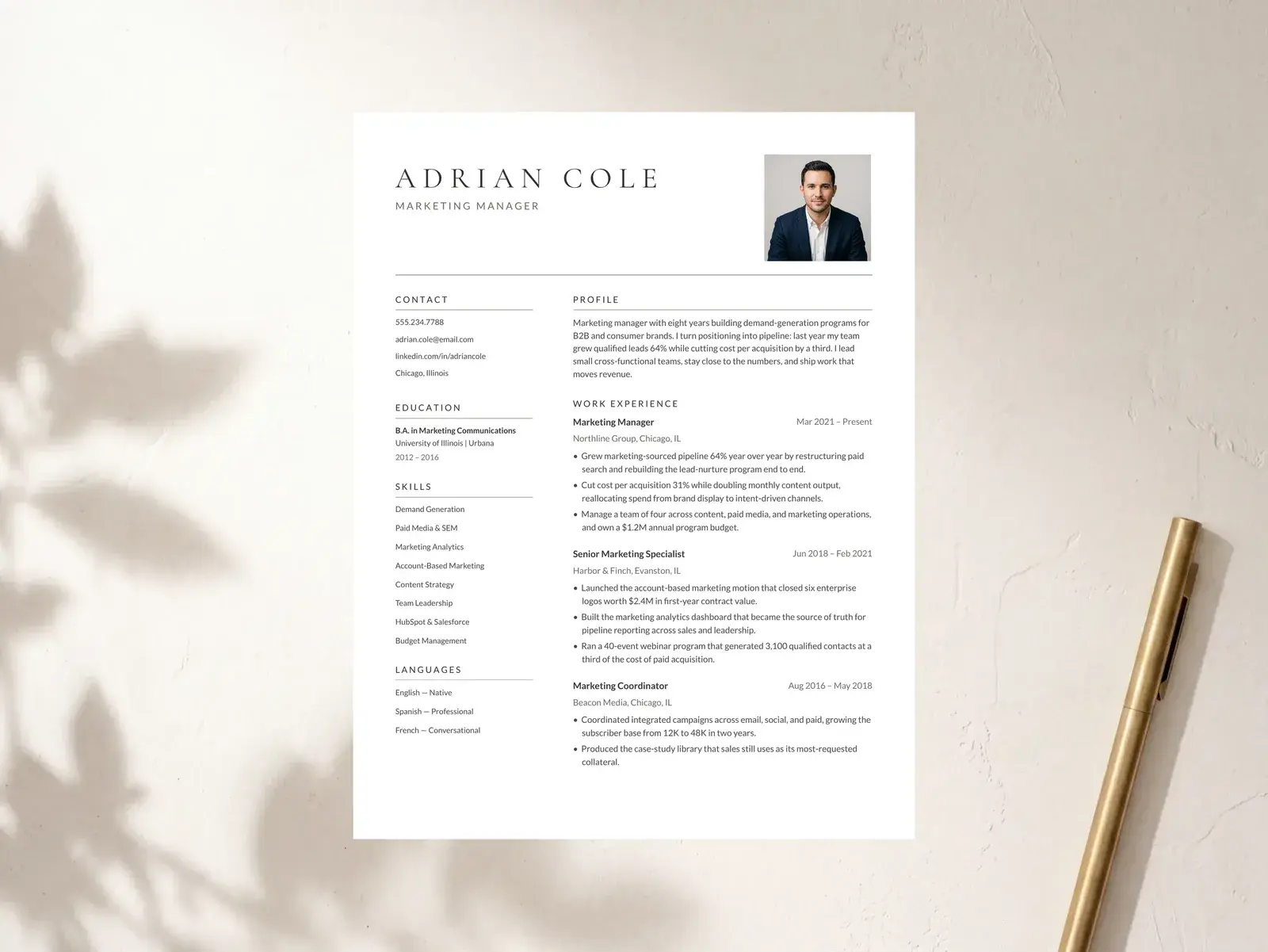
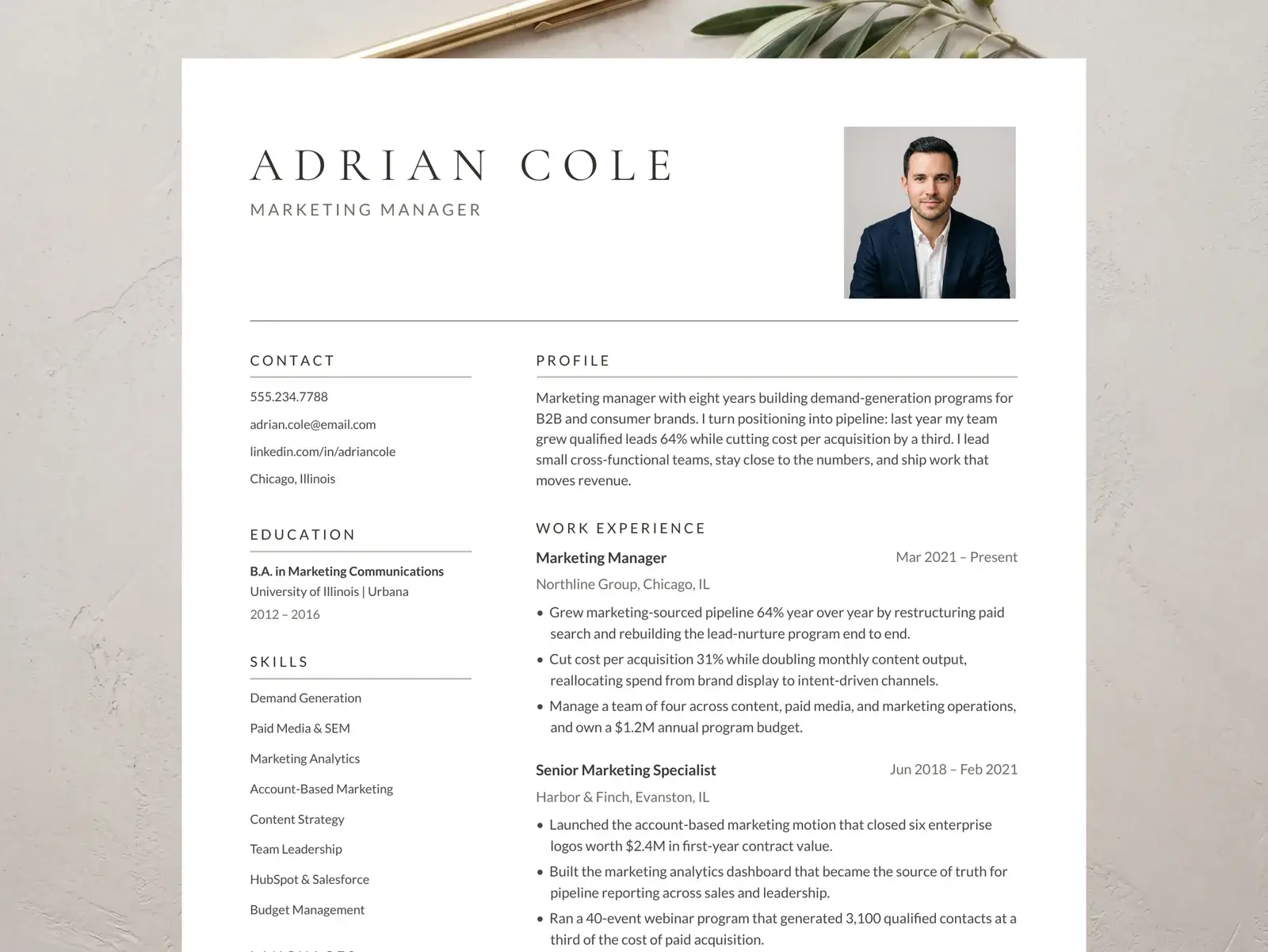
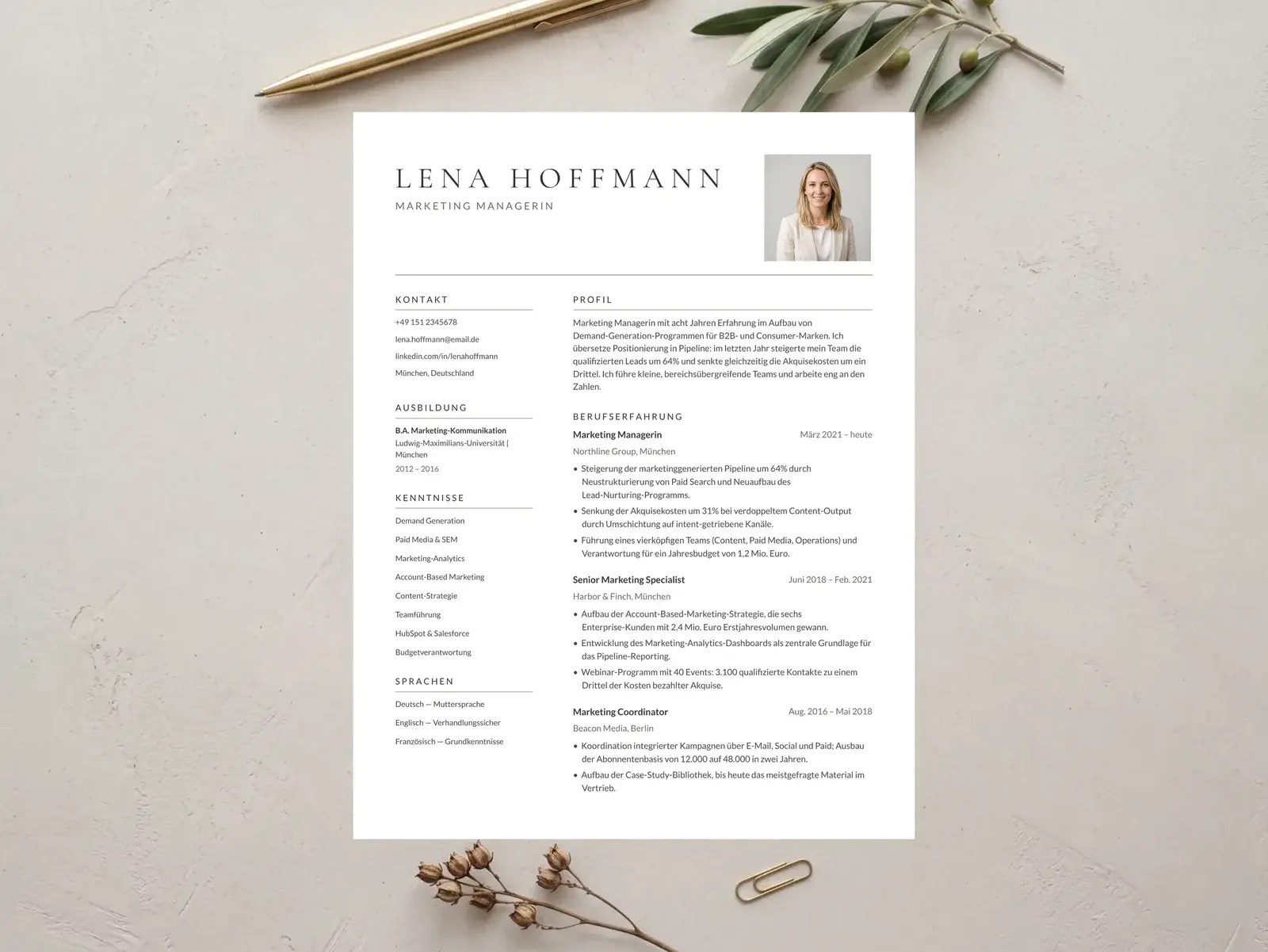
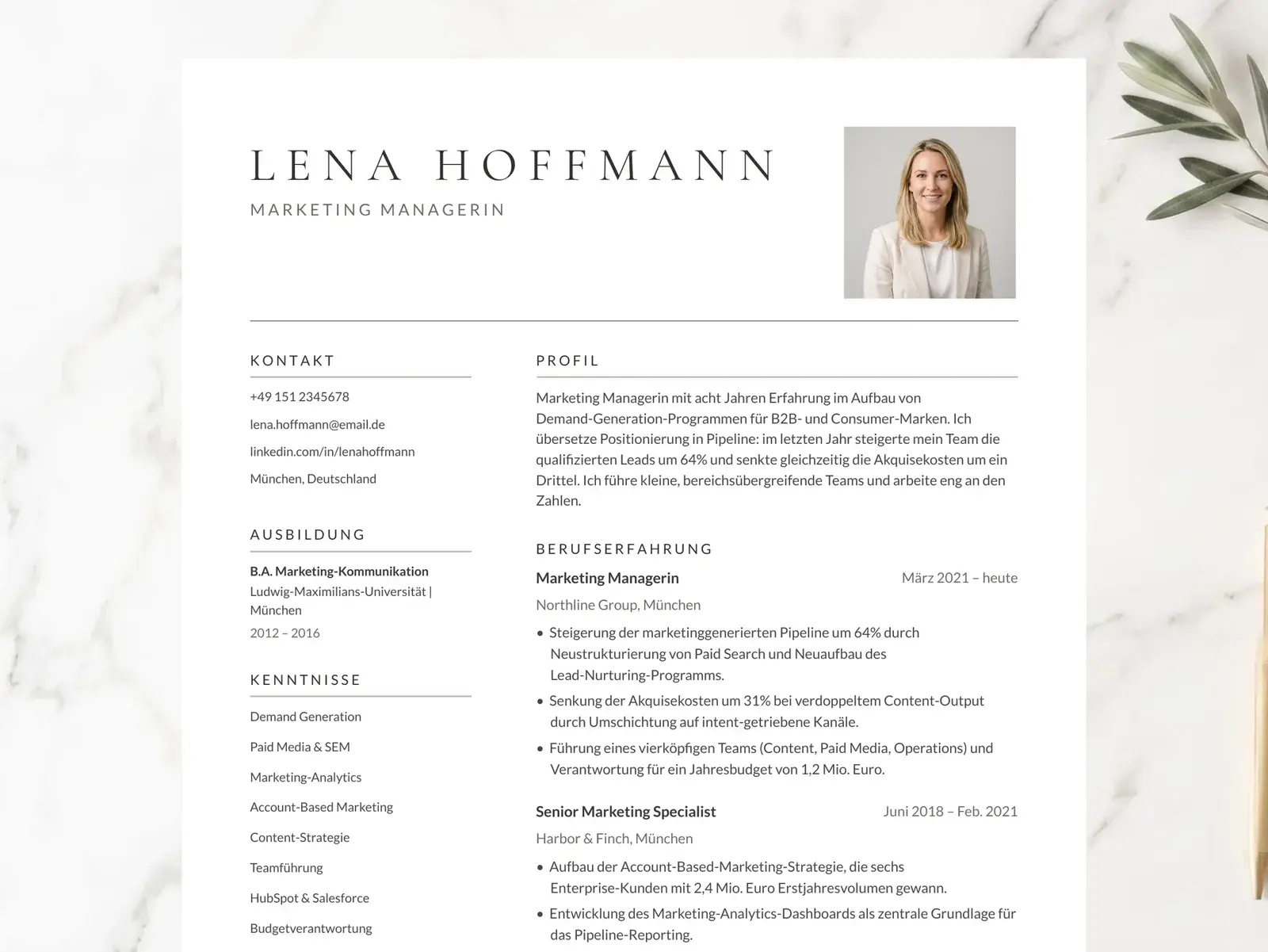
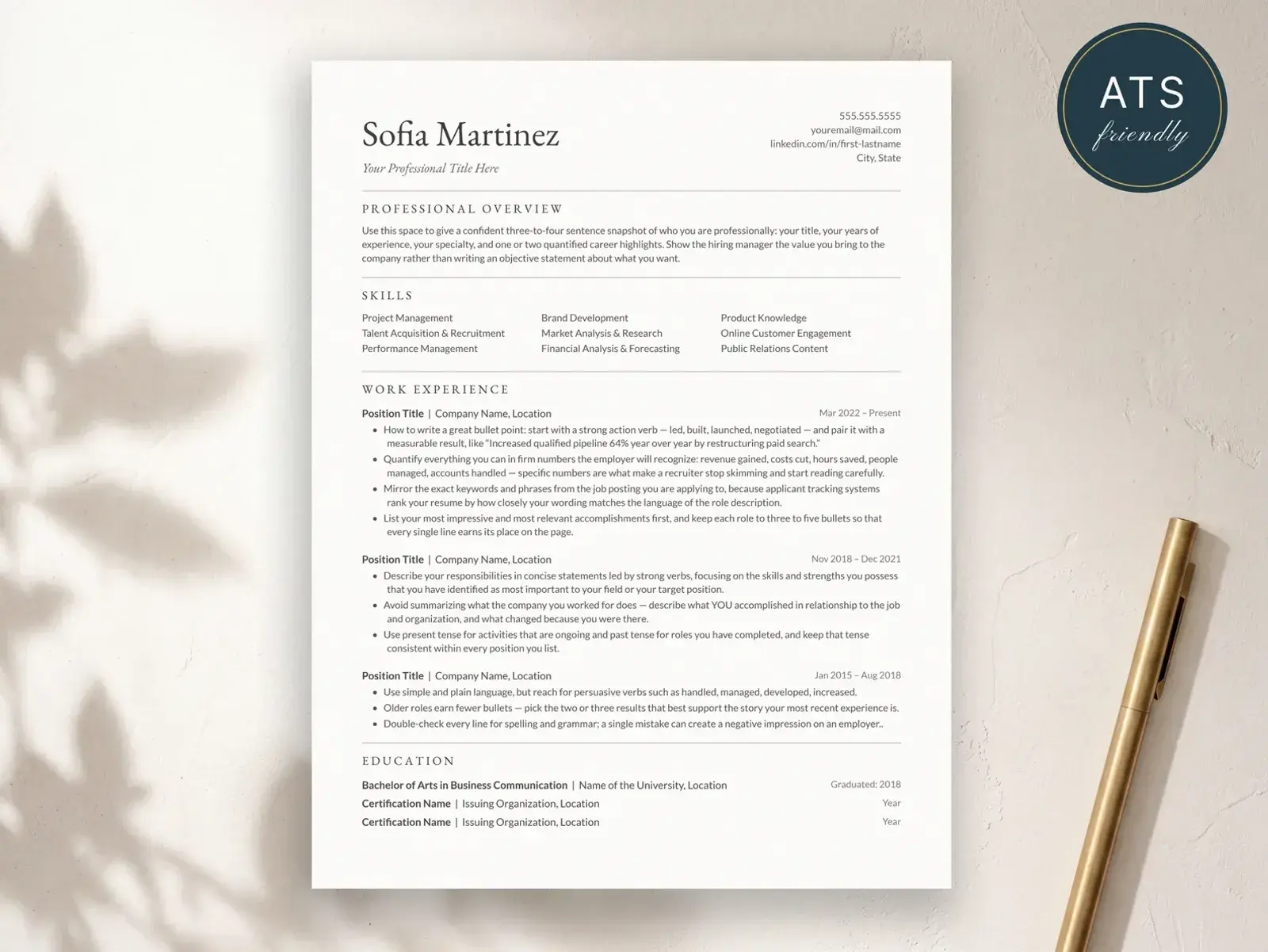
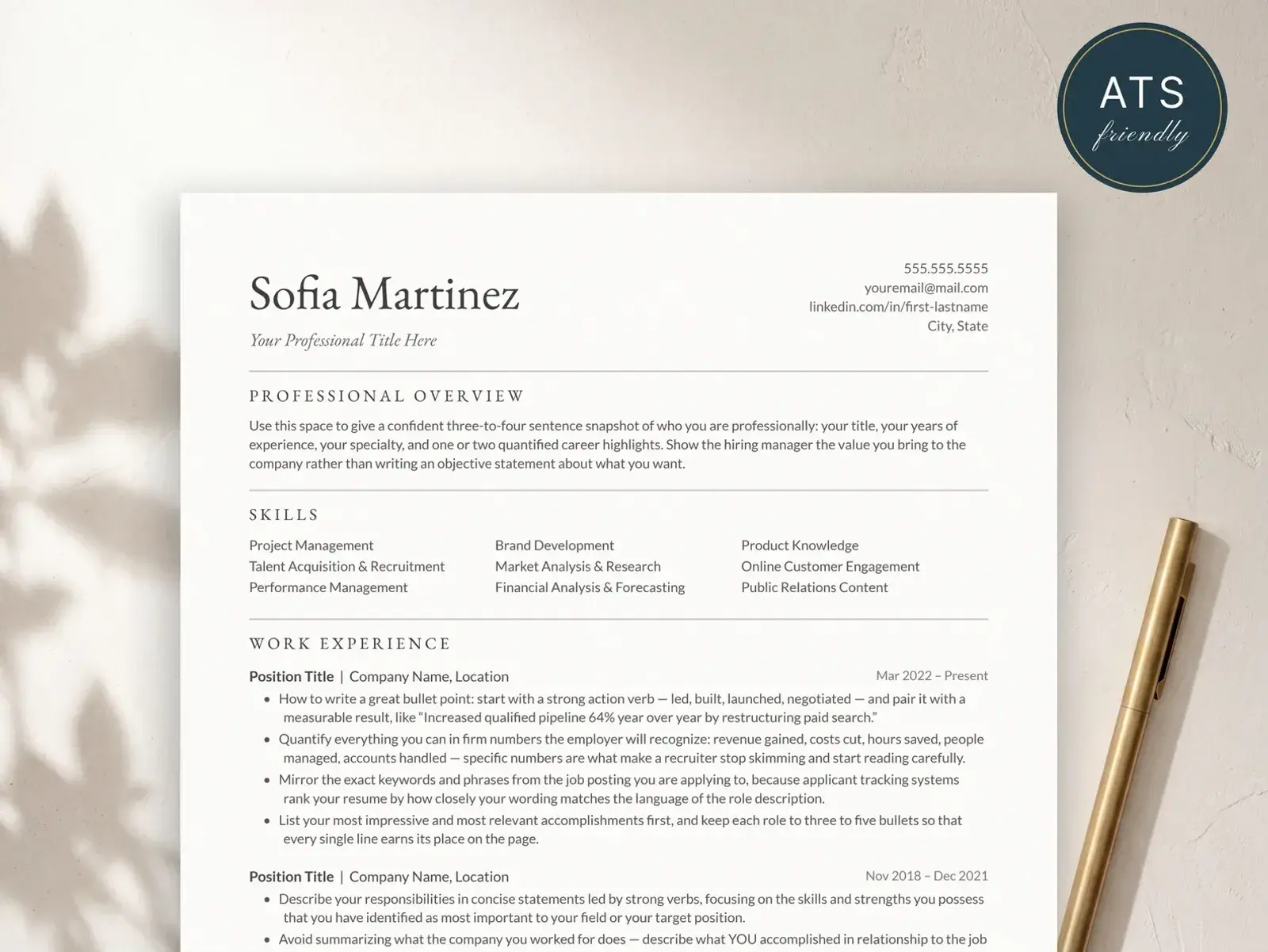
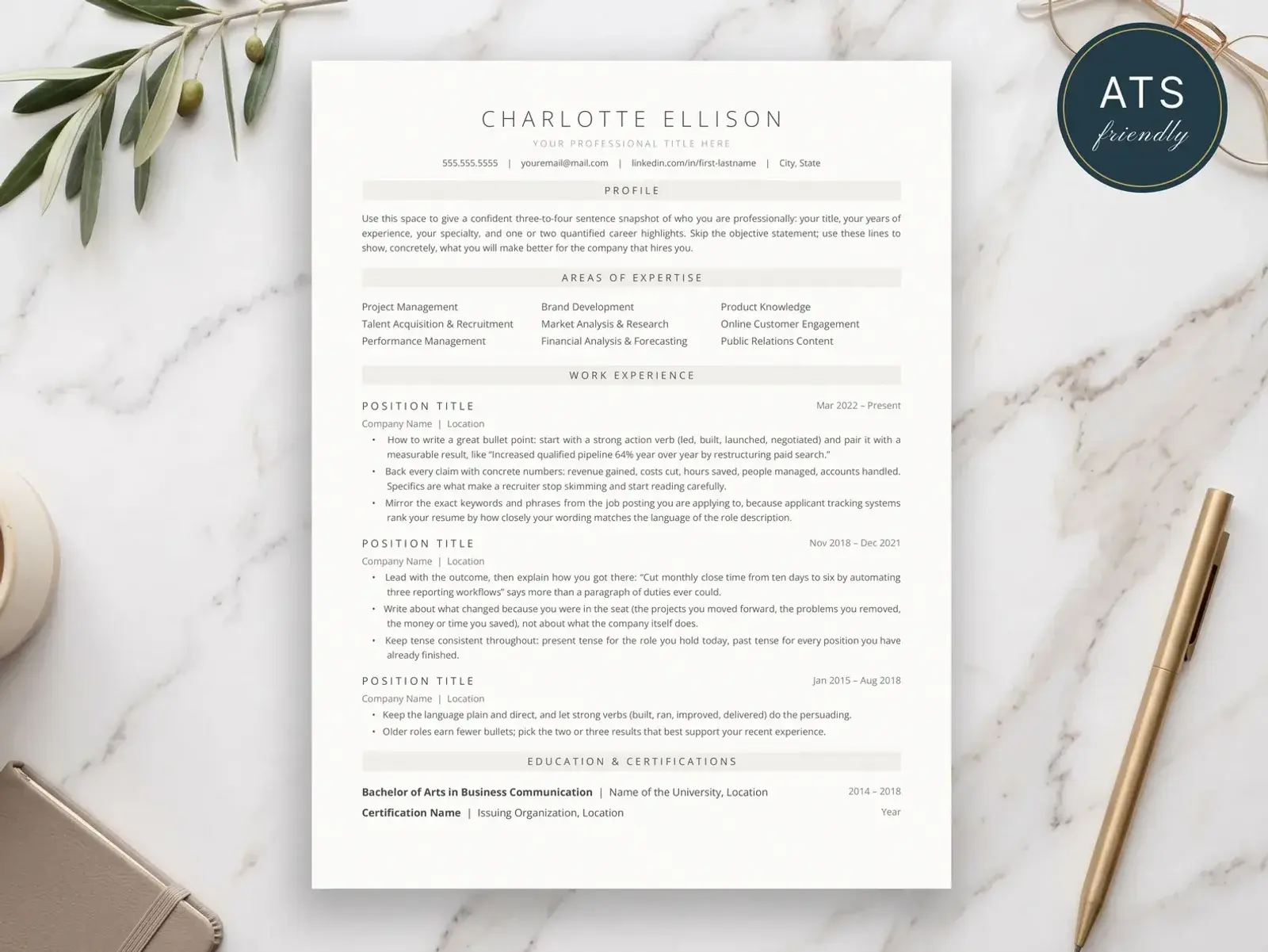
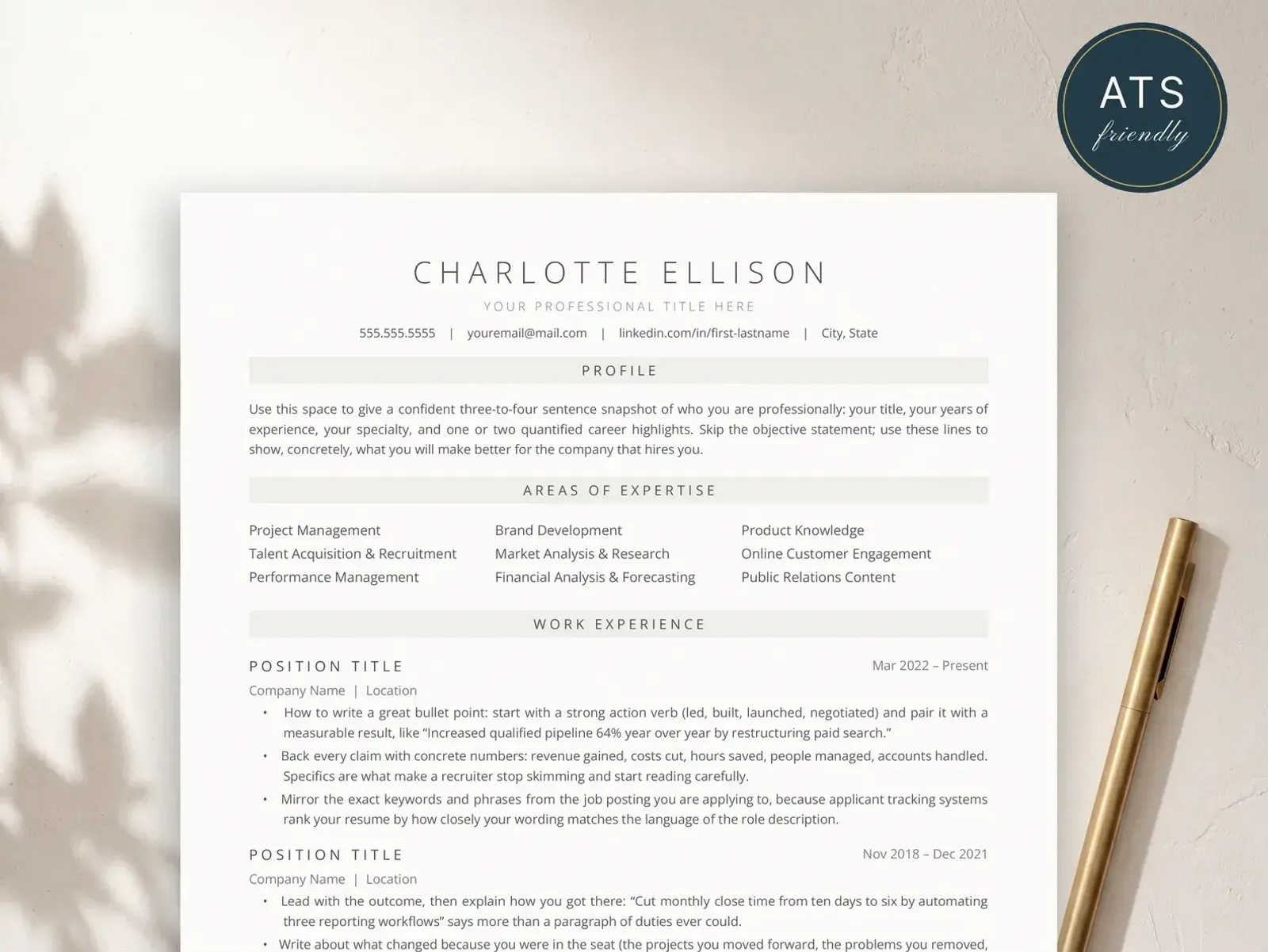
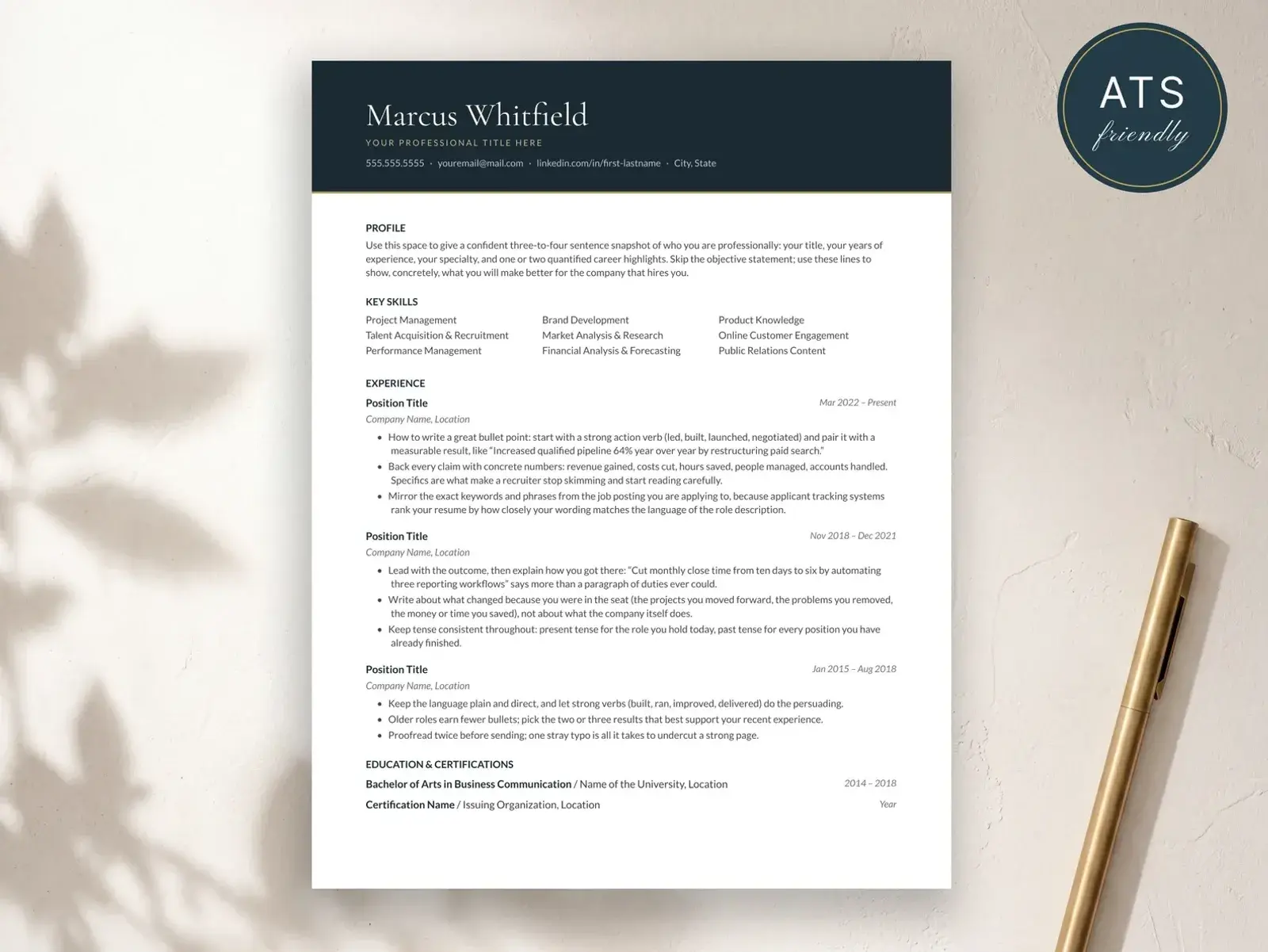
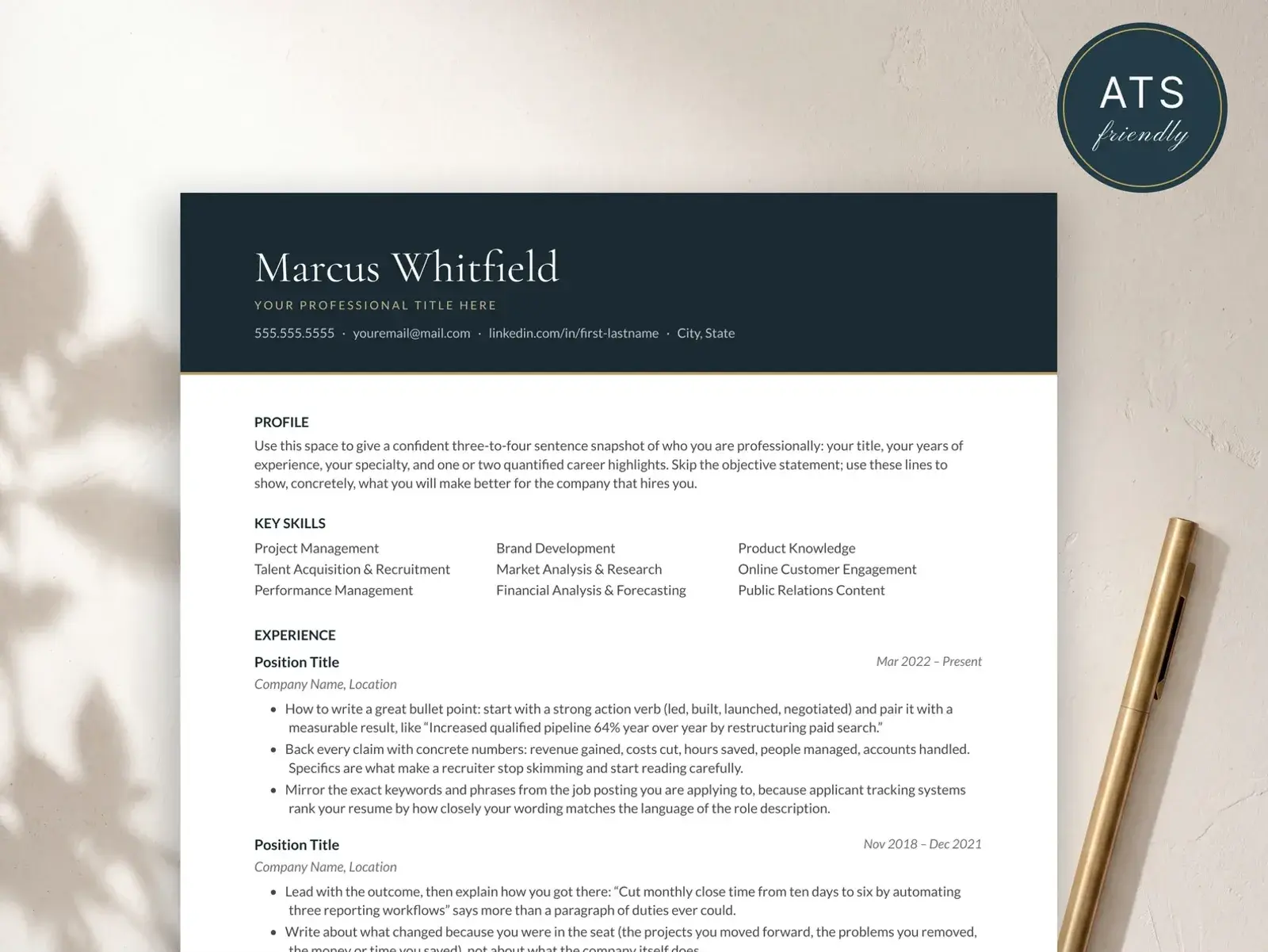
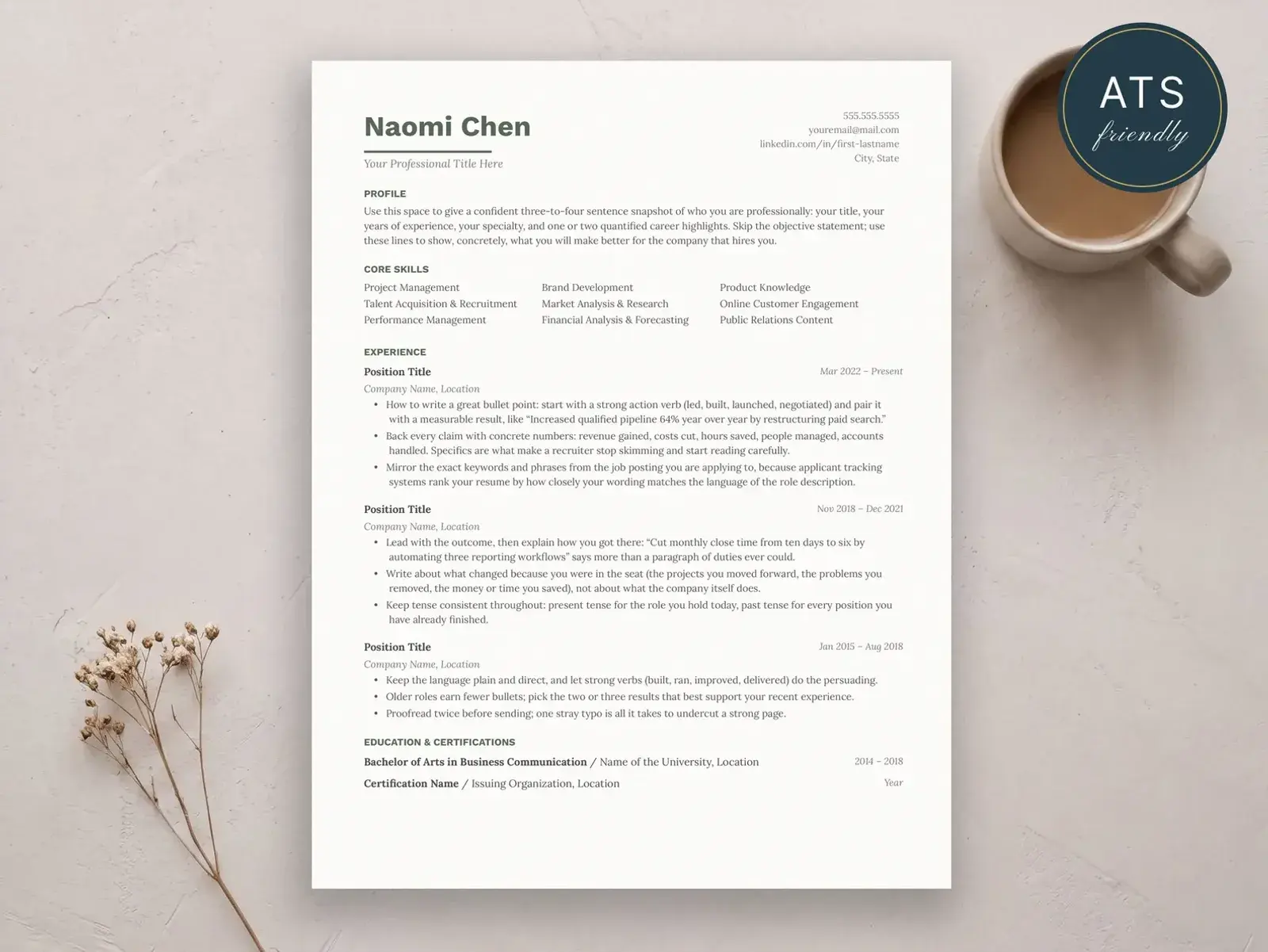
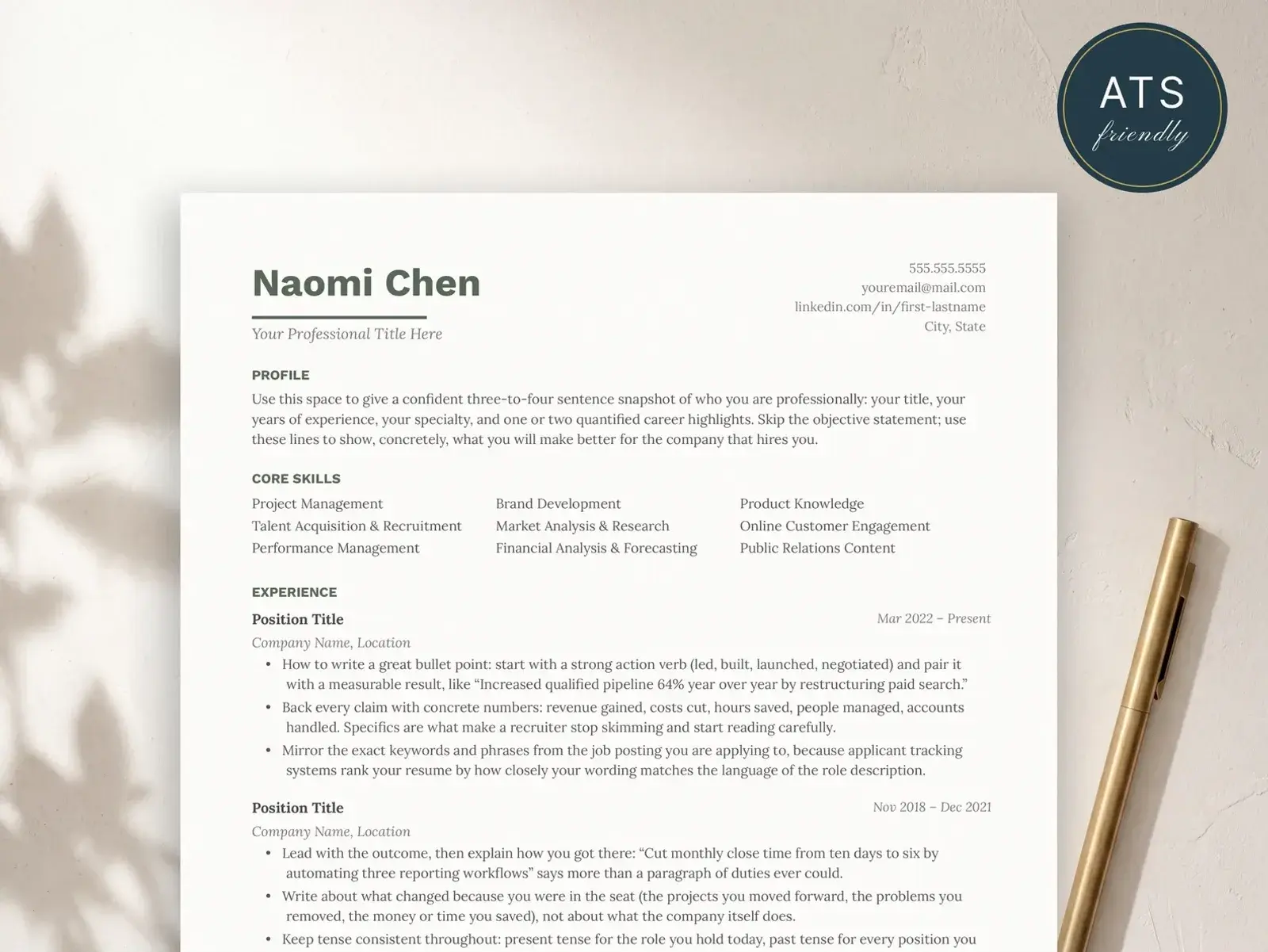
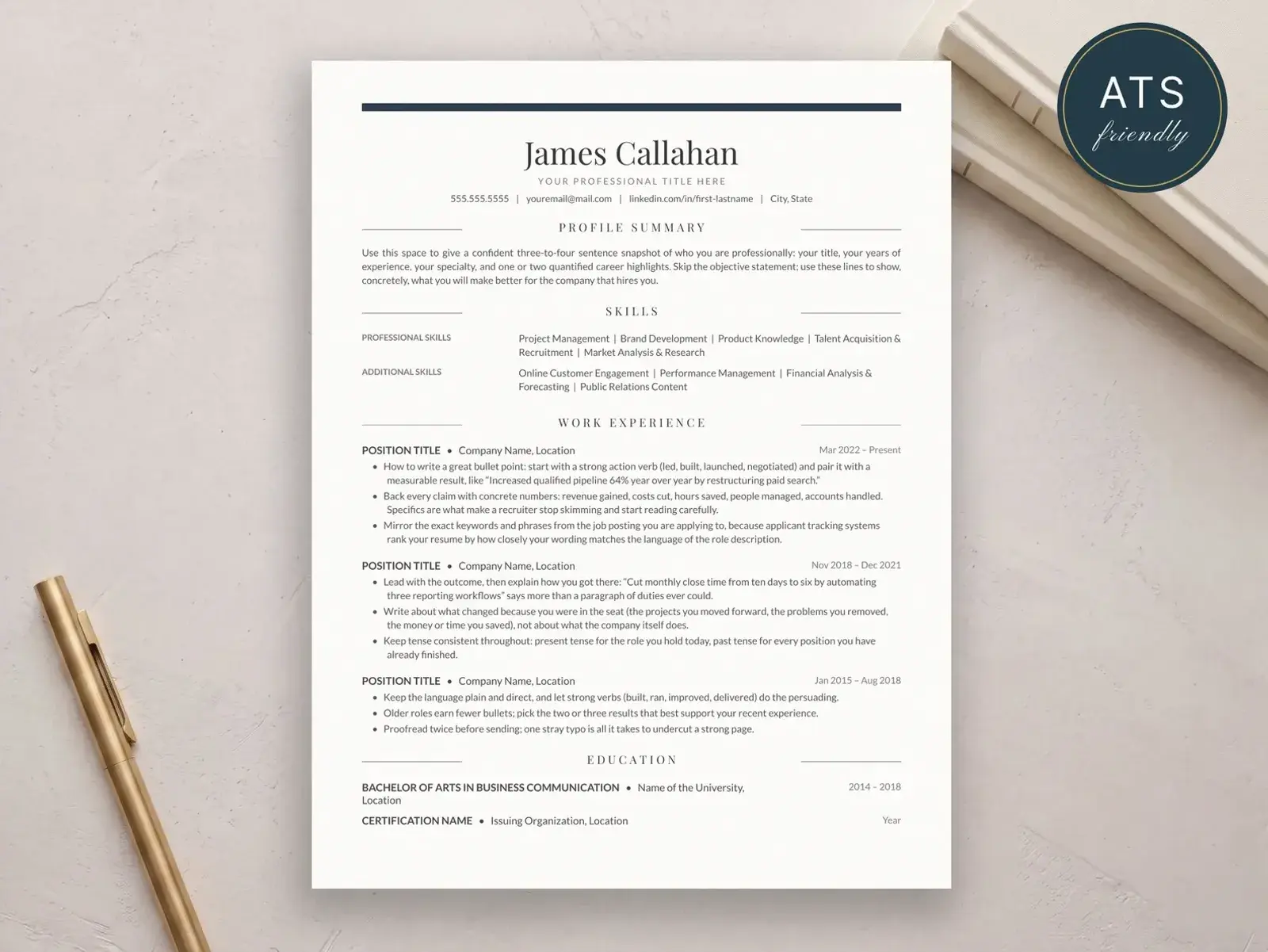
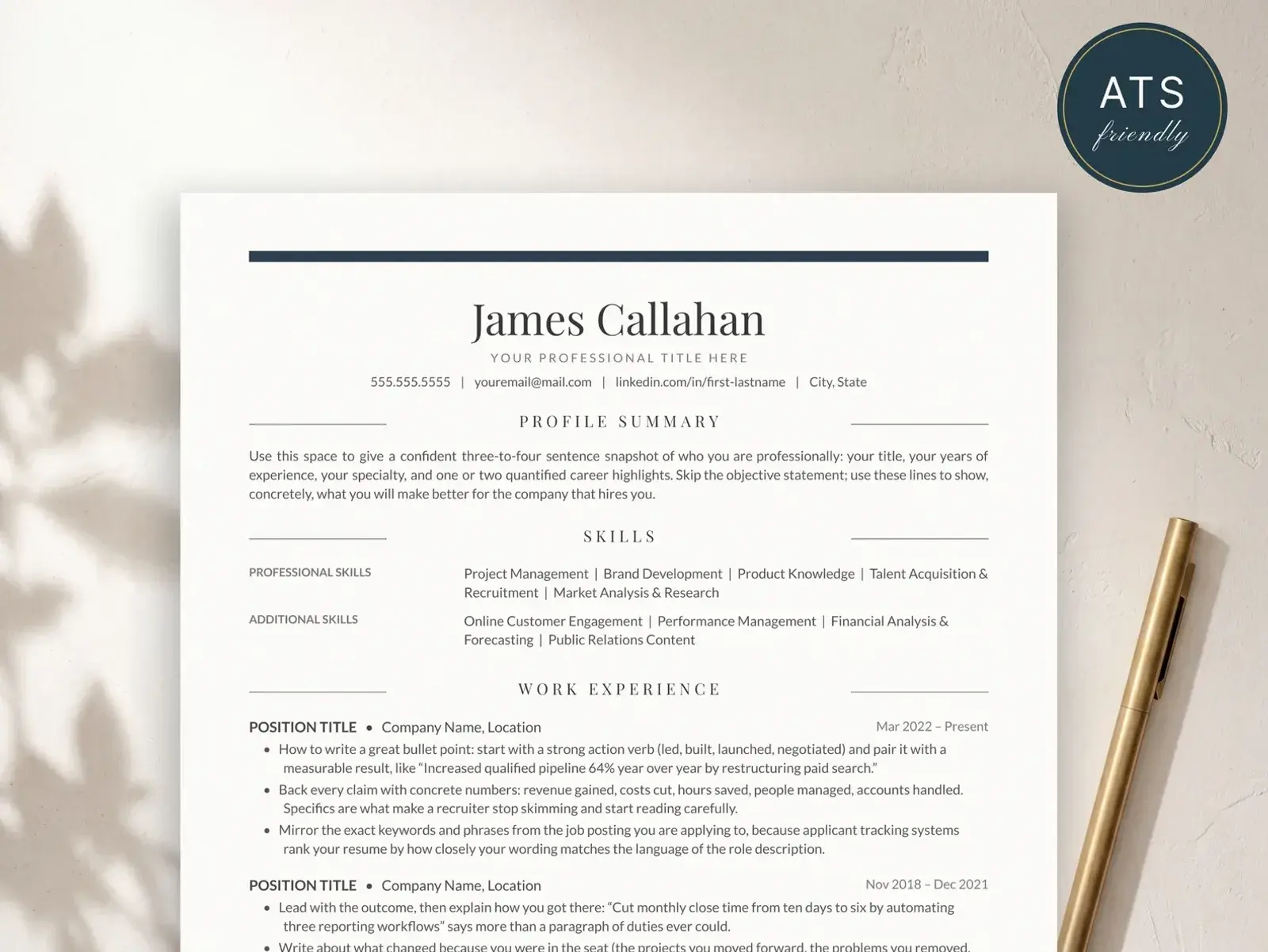
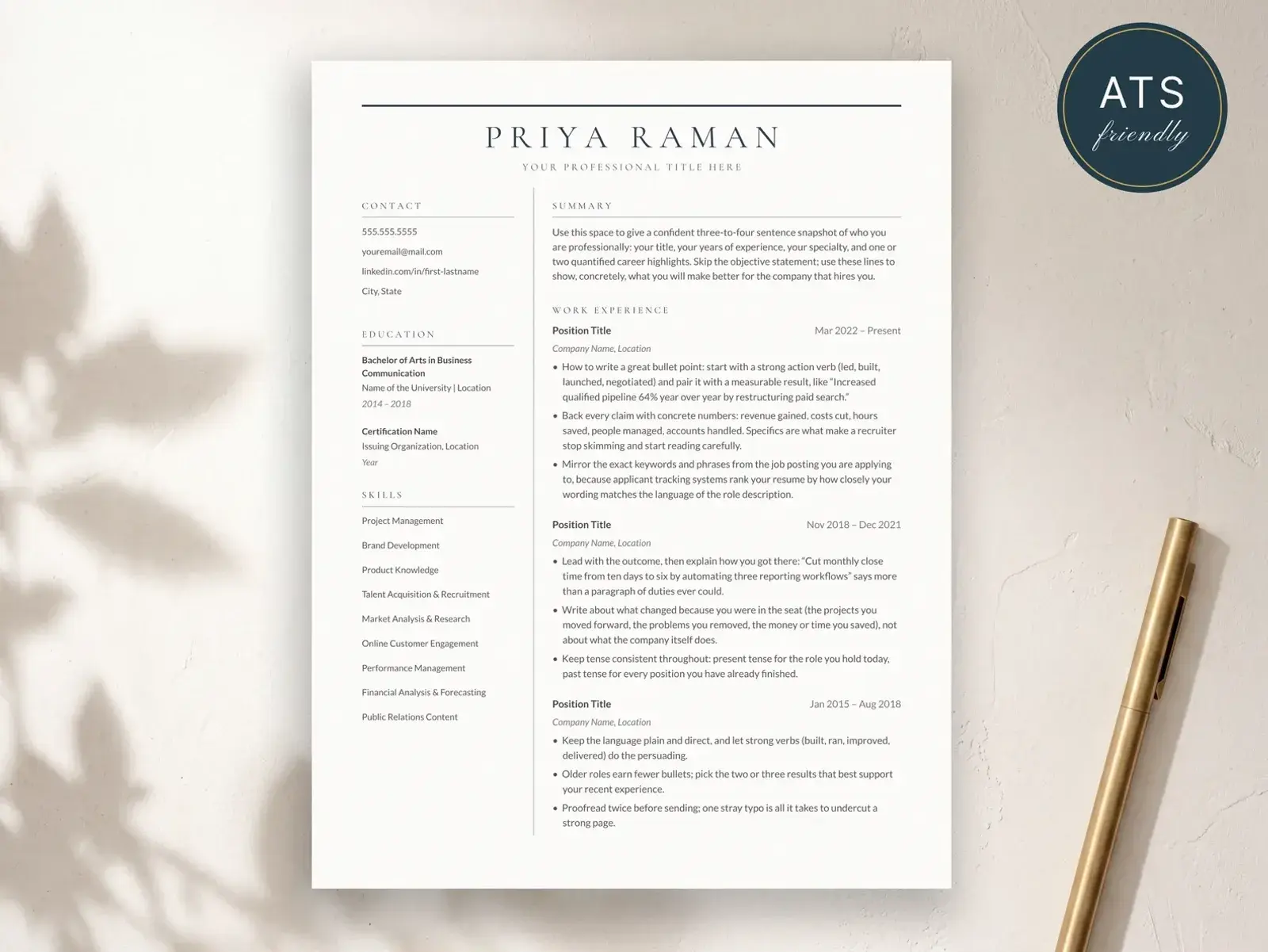
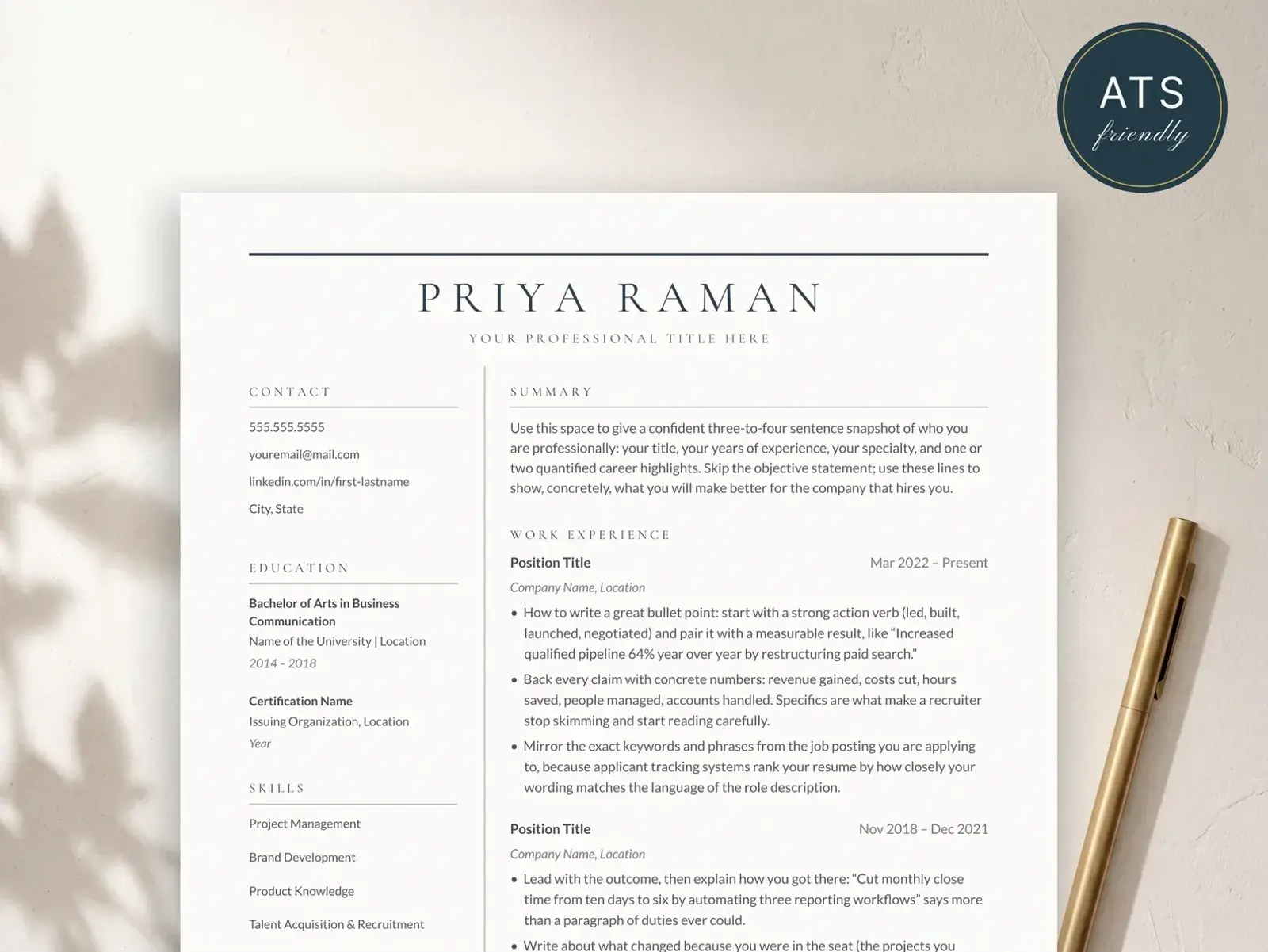
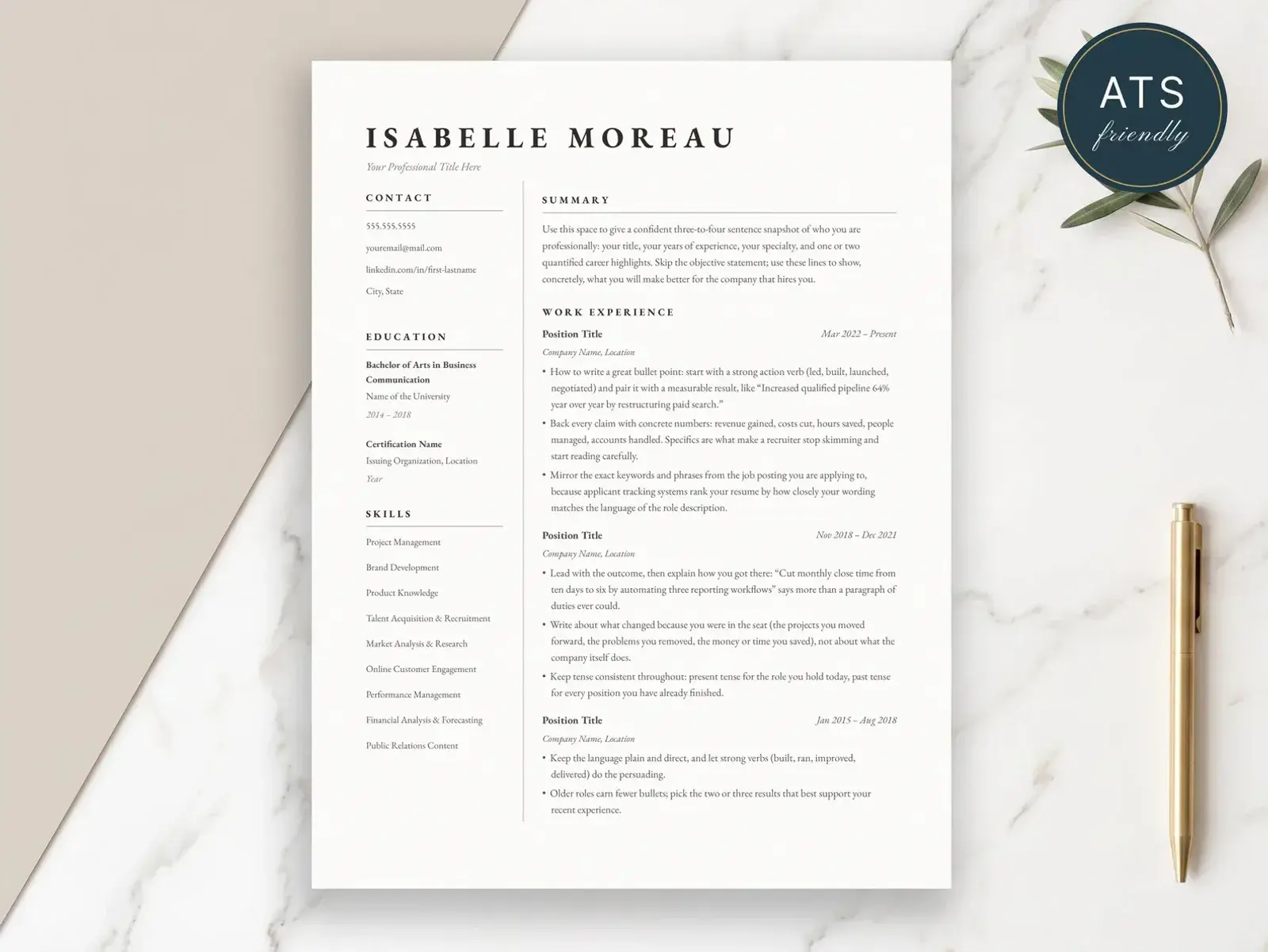
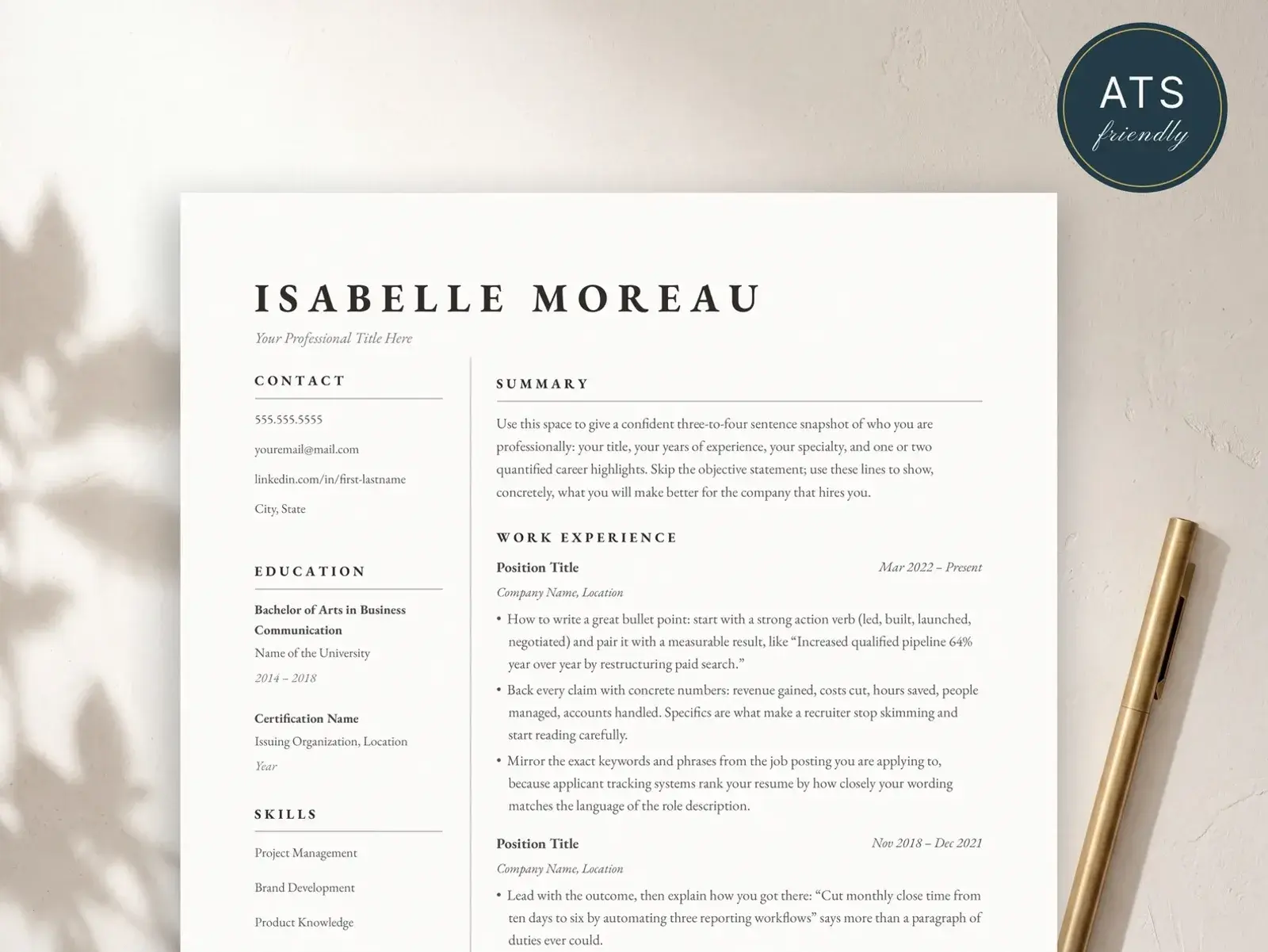
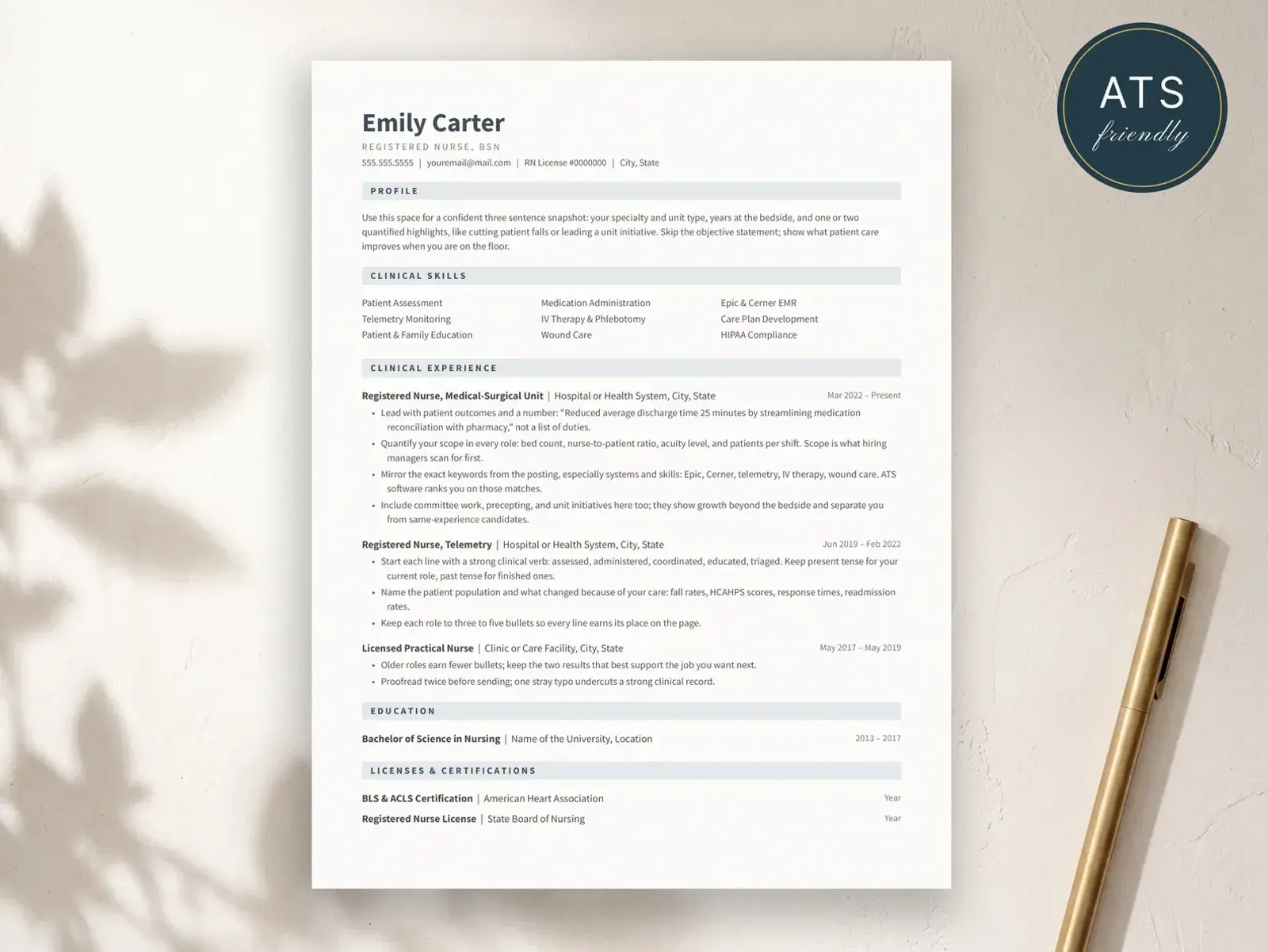
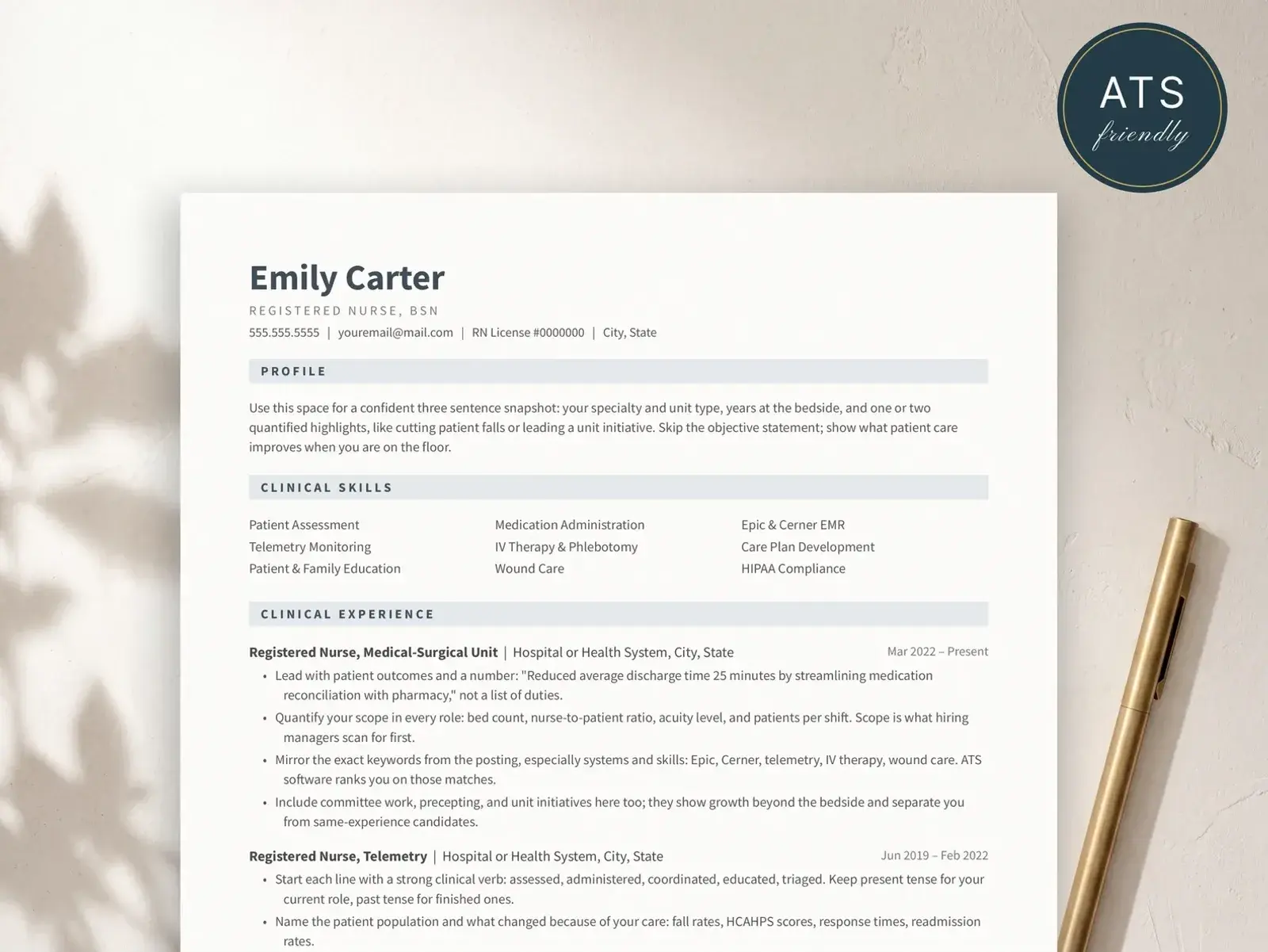

Job searching is hard. Your resume shouldn't be.
Most resumes are read by software before they're read by people. Two-column layouts, text boxes, and graphics scramble that first read.
Our templates use single-column structure, standard headings, and real selectable text — so what you wrote is what they read.
Learn about ATS-friendly formats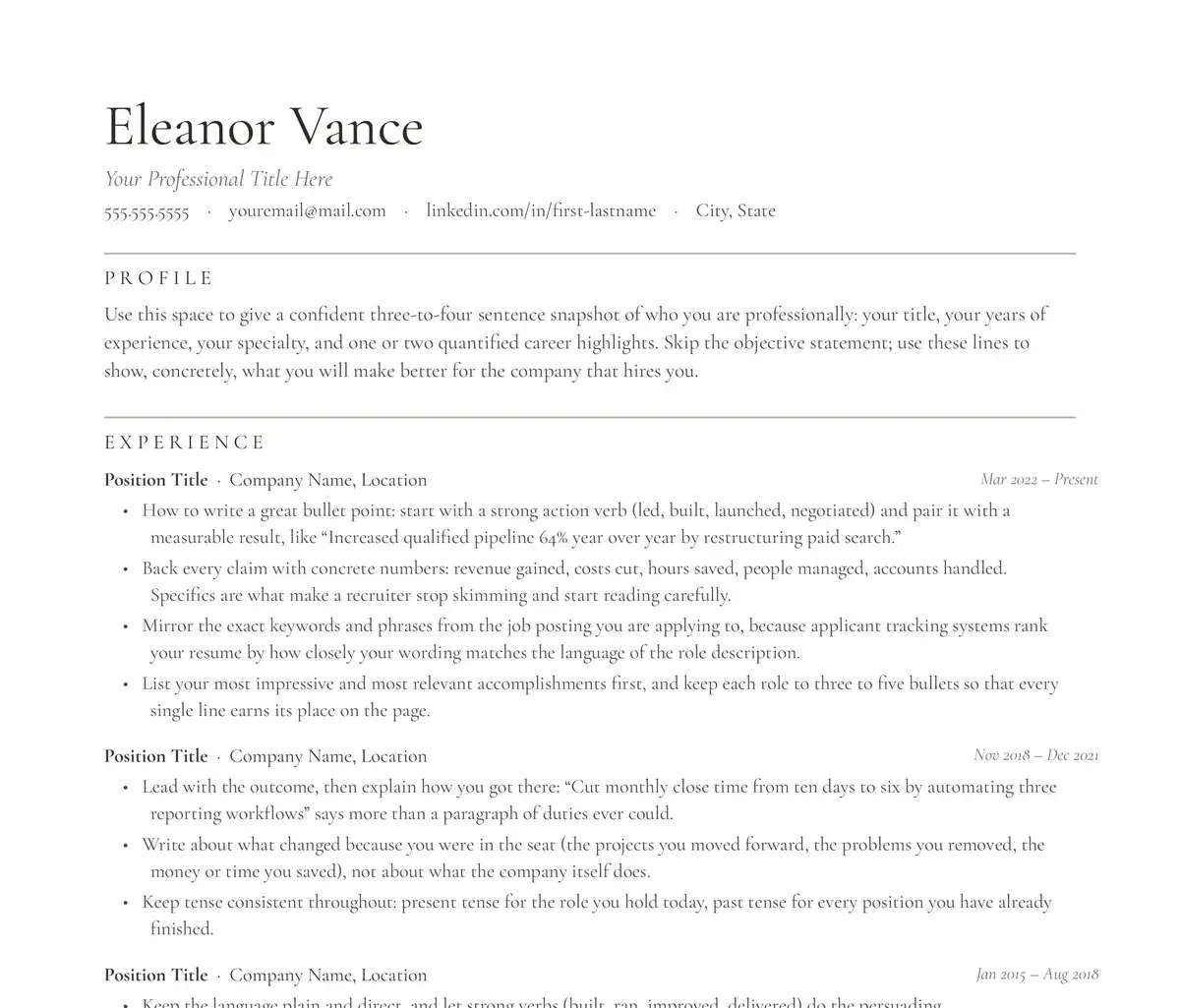
ATS-friendly resume templates
Clean, recruiter-approved layouts that work with modern hiring systems — edit right in Google Docs, nothing to install.
Browse resume templatesWhy bravoresume
Simple to edit recruiter-safe yours forever
Every template is designed to present your experience clearly — no design skills, no subscriptions. And every purchase unlocks the matching online builder.
Try the online builder freeHow it works
Three steps to a finished resume
01
Buy & open
Your template opens instantly in Google Docs — just File → Make a copy.
02
Make it yours
Replace the placeholder text with your details. The quick-start guide covers every edit.
03
Download & apply
Export as PDF and apply, knowing the layout parses cleanly in hiring systems.
Resume advice
Guides from the blog
All guides
- How to List Education on a Resume
- Job Application Tracker
- How to Write a Resume With No Experience
- Skills for a Nursing Resume
- The Follow-Up Email After a Job Application
- How to Write a Career Change Resume
- An Employment Gap on Your Resume
- The New Grad Nursing Resume
- The Nursing Student Resume
- Teacher Resume Examples
- Resume Summary Examples
- Resume Objective Examples
- How to Write a Cover Letter
- Cover Letter Format
- How to List Skills on a Resume
Questions, answered
How do I get the template after buying?
Instantly. After checkout you land on a page with your Google Docs link (File → Make a copy puts an editable version in your Drive) plus a download with the Word and Pages compatible file, the quick-start guide, and font install links.
Do I need a paid Google account?
No. Google Docs is free. The Word file works with Microsoft Word 2013 or newer, and opens in Apple Pages too.
Will this really pass applicant tracking systems?
Our flagship templates use single-column layouts, standard section headings, and real selectable text, which is exactly what ATS parsers need. Templates marked with the ATS badge follow every one of those rules.
What's the online builder version?
Every purchase unlocks the matching template in the BravoResume web builder. You can edit in the browser with a live preview and export a PDF, no Google account needed at all.
Can I use it for more than one job application?
Yes. It's yours forever: copy it as many times as you like, tailor a version per application, and come back to it for your next job search.